Type
Free · no sign-up
See your Human Design
Your bodygraph, type, inner authority and profile, with a plain-words reading of your type.
Human Design result
Share
Full report
Unlock your full Human Design report
Every part of your chart, read in plain words: the same report the Two Designs app shows.
What's inside
- Who you areType, Strategy, Inner Authority, Signature, Not-Self
- Your setupProfile, Definition, Incarnation Cross, What each body stands for
- Energy structureOpen centers, Defined centers, Channels
- DetailsGates and lines
- AdvancedVariables
NT$149 One-time payment · no account · read it on the web right away
The full report is made from your own chart. Enter your birth details to unlock it.
Payment is handled by Portaly Payment, which also issues your e-invoice. Pricing and refunds · Terms of service · Privacy policy
Full analysis
Full analysis → get the app
Centers, channels, gates, profile and incarnation cross, each read in plain words in the Two Designs app.
Join the Android beta
Google Play (coming soon)
Human Design for two · Android beta
See how two designs fit together.
Invite someone with a link or QR code. They join with their own birth data, and you both see the same pair analysis: your Human Design connection chart first, then the synastry of your natal charts. Each of you also gets your own bodygraph and natal chart, read in plain words.
Join the Android beta
Google Play (coming soon)
- Invite by link or QR code
- Human Design and Natal analyses free
- No ads, no tracking SDKs
Features
Your design, theirs, and the two of you together
i. Bodygraph
Human Design
- Type, inner authority, profile, defined centers and channels
- A bodygraph drawn the familiar way, so you see at a glance what's defined and what's open
ii. Natal chart
Natal chart
- Planets, signs, houses and aspects; tap an aspect and its line is drawn on the chart
- No birth time? You still get your chart, just without houses and the ascendant
iii. Pairs & chat
Pairs and chat
- In Pairs, tap “Add someone” and share a link or QR code; once they tap “Agree and link”, you both see the same pair analysis
- Ask questions about your own chart, and the AI answers from it
- Today's transits, written up for you each day
No sign-up needed to start. If you want to keep your data when you switch phones, link a Google or LINE account.
A reminder: this is for entertainment and self-reflection. It isn't medical, psychological, legal or financial advice, and it isn't a promise about the future.
in the app
Screenshots show the app in Traditional Chinese.
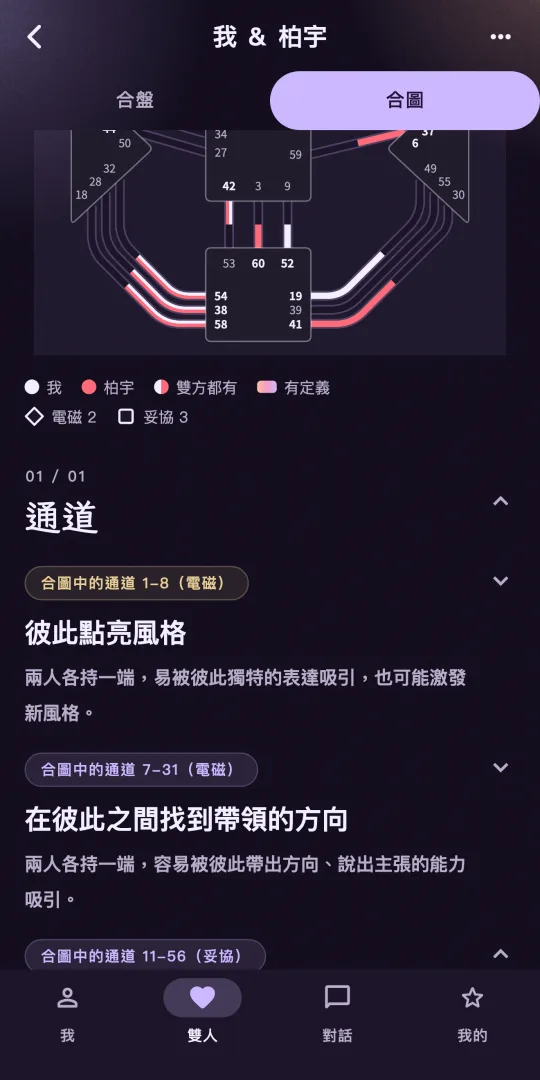
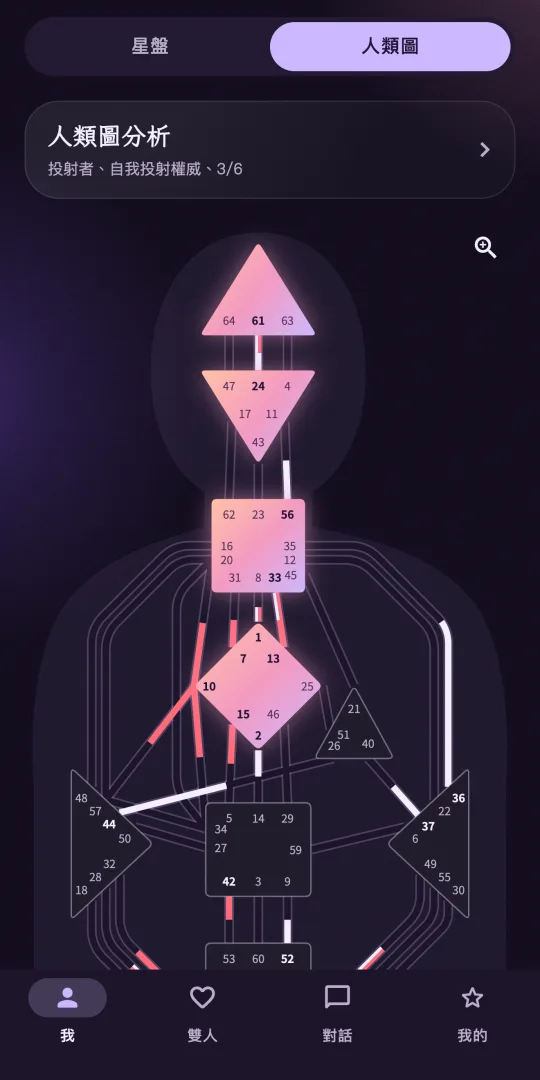
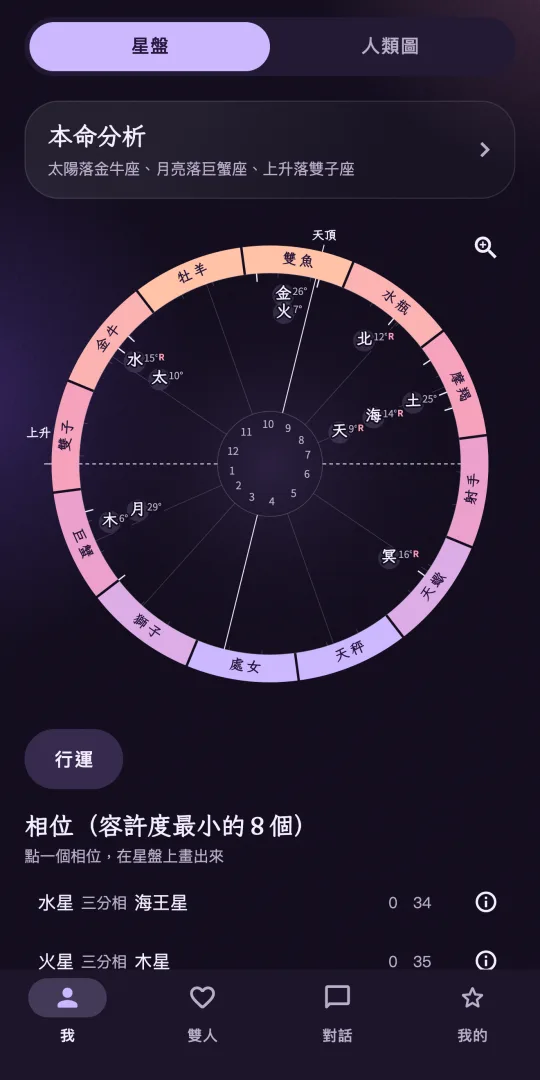
Android beta
How to join the Android beta
Using the Google account you're signed in to Google Play with on your phone, join the coyotech-testers Google Group.
Then open Two Designs' Google Play testing page, tap “Become a tester”, and install Two Designs from Google Play.
Join the Android beta
Google Play (coming soon)
Tester access can take a few minutes to kick in. If Google Play can't find the app yet, wait a moment and try again.
FAQ
Does Two Designs cost anything?
It's free to download. Human Design and Natal analyses are free. A pair analysis (connection chart and synastry) is NT$60 per pair or unlocked with a subscription. Transits and the daily transit write-up need a subscription. AI chat comes with a trial allowance, and after that you can buy credit packs or subscribe. Prices are as shown on Google Play.
How does a pair work?
In Pairs, tap “Add someone” and share the link or QR code; the invitation is valid for 72 hours and works once. The other person installs Two Designs and signs in (you need to be signed in too). When they tap “Agree and link”, their name, birth date, birth time and birthplace are shared with you to make the analysis, and you both see the same pair analysis. Either of you can cancel the link any time; after that, neither of you can see it.
Can I use it without knowing my birth time?
Yes. You can still see your chart without a birth time; it just won't have houses or the ascendant.
Do I need an account? Will I lose my data if I change phones?
You can start without signing up. If you want to keep your data when you switch phones, link a Google or LINE account.
How is my birth data used?
Your birth date, time and city, and your conversations with the reading assistant, are stored on our servers to draw your charts and write your readings. AI chat and the daily transit write-up are generated by OpenAI models; unless you type them into a question yourself, what's sent to OpenAI doesn't include your name, birth date or birthplace. No ads, no advertising ID, no behavioral analytics or tracking SDKs. Full details are in the Two Designs privacy policy.
How do I delete my account?
In the app, go to Account → Settings → Delete account. If you can't open the app, see how to delete your account. Deleting your account doesn't cancel a Google Play subscription; cancel it separately in Google Play.
Is there an iPhone version?
Two Designs is coming to iPhone, and on Android it is in closed testing on Google Play.
How should I take the analyses?
They're for entertainment and self-reflection. They aren't medical, psychological, legal or financial advice, and they aren't a promise about the future.